

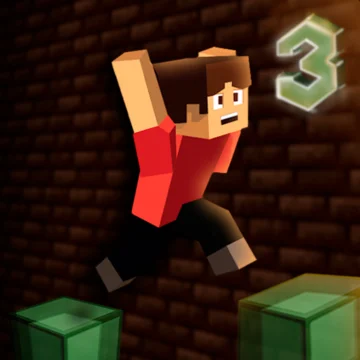




About Parkour Block 3
- Platform
- Desktop & mobile
- Price
- Free
- Updated
Parkour Block 3 is a free parkour skill game on Gipcus from Poly Games, with more levels, more mechanics and more hardcore challenges in your browser on computer and phone. It was made by Poly Games and is distributed as an HTML5 browser game, so it loads quickly in any modern browser.
Parkour Block 3 controls
- Space: jump.
- WASD: move.
- Left Shift: run.
- Double Escape: menu.
- Mobile: touch.
How to play Parkour Block 3
- Start a level.
- Move and jump between blocks.
- Run for long gaps.
- Reach the end.
Tips for Parkour Block 3
- Run for distance.
- Line up jumps.
- Practise hard jumps.
Parkour Block 3 FAQ
Is Parkour Block 3 free to play?
Yes. You can play Parkour Block 3 free online on Gipcus in your browser, with no download or install.
What are the controls?
WASD, Space and Shift.
Does it work on phones?
Yes.
Do I need to download Parkour Block 3?
No. Parkour Block 3 is an HTML5 game, so it loads and runs directly in your web browser on Gipcus. There is nothing to install and no account is needed to start playing.
Can I play Parkour Block 3 on my phone?
Yes. Parkour Block 3 is listed as mobile-compatible (iOS and Android), so you can open this page in your phone’s browser and play with touch controls.
Play Parkour Block 3 free on Gipcus whenever you want a quick parkour game session, on desktop or mobile, with no download.
More about Parkour Block 3
Parkour Block 3 is a free blocky parkour runner on Gipcus. Open it in your browser and jump across platforms with no install.
How to play: Run, jump, and time landings on moving or narrow blocks. Keyboard or touch controls handle movement; mistimed jumps mean a fall and a quick restart.
Built for short skill runs and “one more try” energy. Play Parkour Block 3 free on Gipcus on desktop or mobile.
Practice turns nasty jumps into muscle memory. Parkour through Parkour Block 3 on Gipcus for free blocky platform runs online.