
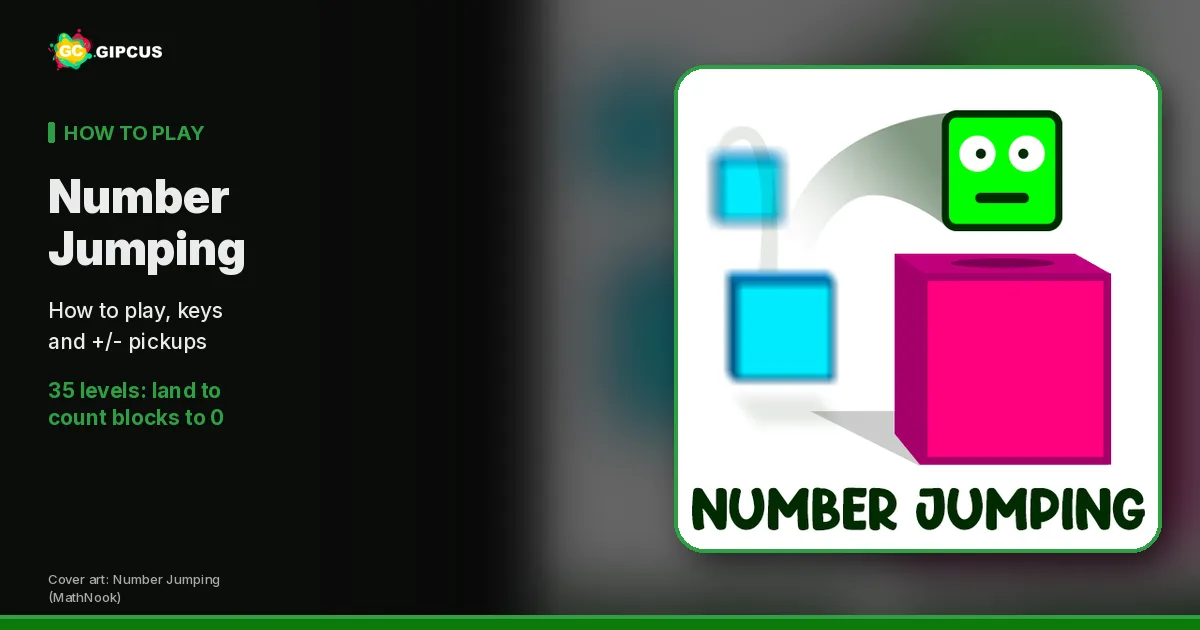
Quick answer: Number Jumping is a free puzzle platformer by MathNook with 35 levels. You move a green block left or right, and every time you land on a pink numbered block its number drops by 1. A block at 0 disappears. Clear every numbered block without falling off the screen to beat the level.
By Ashish Sharma, for the Gipcus Guides team · Updated November 2026 · How we tested: we read the game files of the version we host (all 35 level layouts and the movement, lock and pickup rules) and worked out the per-level numbers below ourselves.
Play Number Jumping free on Gipcus with no download. It’s a quick brain teaser for a break at school or work in the US or UK. Most pages only say “jump on the numbers”. This guide explains how moving, falling, locks and pickups really work, and lists every level’s blocks and landings.
How do you play Number Jumping?
- Move one square at a time. Press Left or Right and your green block flips over into the next square. If that square is empty, it hops across and drops until it lands on something.
- Step up onto blocks. If a block sits right next to you, your block climbs up onto it instead of hopping into it.
- Land to count down. Each time you land on top of a pink numbered block, its number goes down by 1. At 0 the block disappears.
- Clear them all. The level ends as soon as no numbered blocks are left. Then press Space or click to go to the next level.
The cyan blocks and thin cyan ledges never disappear. Use them as safe places to stand and turn around.
What are the Number Jumping controls?
| Action | Computer | Phone or tablet |
|---|---|---|
| Move left | Left arrow or A | Left on-screen arrow |
| Move right | Right arrow or D | Right on-screen arrow |
| Next level or try again | Space or click | Tap the screen |
| Restart the level | Restart button at the top left | |
You can’t press a key mid-move: the game waits for each flip to finish, so tapping fast won’t skip squares.
Why do you fall off the screen?
When a block you’re standing on drops to 0, it vanishes and you fall straight down. If there’s nothing underneath, you fall off the screen and see “You fell off the screen! Please try again.” Hopping sideways into an empty column works the same way.
There’s one important exception in the code: if the block you clear is the last numbered block, the level is won at once and you don’t fall. So the last block can float over empty space, but every other block should be cleared while something solid (another block, a cyan block or a ledge) is below it.
How do locks, keys and pickups work?
- Coloured locks (from Level 18): a numbered block inside a coloured frame is locked. Landing on it doesn’t lower its number.
- Keys: land on the key of the same colour to remove that colour’s lock. Up to 3 colours appear in one level.
- Minus sign (from Level 28): touch it to lower every unlocked numbered block by 1 at once.
- Plus sign (from Level 32): touch it and every unlocked numbered block goes up by 1. Locked blocks are left alone, which is the trick on later levels: grab a plus while your target blocks are still locked.
How many blocks and landings does every level have?
Here is every level, read from the game’s own level files. “Landings needed” is our calculation: since each landing lowers a number by exactly 1, it’s the sum of all the numbers on that level. Levels with pickups change as you play.
| Level | Numbered blocks | Highest number | Landings needed | Extras |
|---|---|---|---|---|
| 1 | 1 | 1 | 1 | – |
| 2 | 1 | 2 | 2 | – |
| 3 | 2 | 2 | 3 | – |
| 4 | 3 | 2 | 5 | – |
| 5 | 3 | 2 | 5 | – |
| 6 | 3 | 2 | 4 | – |
| 7 | 5 | 4 | 13 | – |
| 8 | 6 | 4 | 12 | – |
| 9 | 5 | 3 | 7 | – |
| 10 | 7 | 2 | 11 | – |
| 11 | 4 | 2 | 7 | – |
| 12 | 5 | 4 | 12 | – |
| 13 | 7 | 3 | 11 | – |
| 14 | 7 | 4 | 15 | – |
| 15 | 8 | 2 | 11 | – |
| 16 | 10 | 3 | 14 | – |
| 17 | 10 | 4 | 15 | – |
| 18 | 3 | 2 | 5 | 1 lock + key |
| 19 | 6 | 5 | 15 | 1 lock + key |
| 20 | 6 | 2 | 10 | 1 lock + key |
| 21 | 7 | 5 | 21 | 1 lock + key |
| 22 | 5 | 3 | 9 | 2 locks + keys |
| 23 | 12 | 4 | 26 | 2 locks + keys |
| 24 | 12 | 3 | 15 | 2 locks + keys |
| 25 | 12 | 3 | 20 | 3 locks + keys |
| 26 | 9 | 2 | 16 | 3 locks + keys |
| 27 | 13 | 3 | 26 | 2 locks + keys |
| 28 | 5 | 5 | 14 (changes with pickups) | 1 minus |
| 29 | 7 | 6 | 17 (changes with pickups) | 1 lock + key, 1 minus |
| 30 | 11 | 5 | 28 (changes with pickups) | 2 locks + keys, 1 minus |
| 31 | 9 | 5 | 28 (changes with pickups) | 3 locks + keys, 1 minus |
| 32 | 6 | 2 | 12 (changes with pickups) | 1 minus, 1 plus |
| 33 | 9 | 3 | 17 (changes with pickups) | 1 lock + key, 1 minus, 1 plus |
| 34 | 11 | 4 | 20 (changes with pickups) | 2 locks + keys, 1 minus, 2 plus |
| 35 | 6 | 6 | 27 (changes with pickups) | 1 lock + key, 3 minus, 2 plus |
Our calculation: the numbers on all 35 levels add up to 474. Levels 1 to 27 have no pickups, so beating them takes exactly 311 landings on numbered blocks in total, no matter how good you are. The tricky part isn’t how many landings, it’s the order. Levels 23 and 27 (26 landings each) and Levels 30 and 31 (28 at the start) are the longest.
What are the best Number Jumping tips?
- Clear from the outside in. Blocks at the edges usually have nothing under them. Save one of them for last, since the final block can’t drop you.
- Bounce between two blocks. Hopping back and forth between two side-by-side blocks lowers both, one landing at a time. Stop when one of them is about to hit 0 while you’re on it with nothing below.
- Count before you move. Add up the numbers on the level (see the table). If a block has a 3, you need to land on it 3 times, so plan 3 ways back onto it.
- Get keys early. Locked blocks don’t count down, so landings on them are wasted until you’ve grabbed the key.
- Take plus signs while targets are locked. A plus raises only unlocked blocks, so it’s cheapest when most blocks are still inside a lock or already gone.
- Restart fast. One wrong landing can trap you. The restart button reloads the level instantly.
Who made Number Jumping?
Number Jumping is an HTML5 game by MathNook, a site of free maths and logic games, and it’s spread through the GameDistribution catalogue. It runs in landscape and works with a keyboard or touch. Unlocked levels are saved in your browser, so clearing your browser data resets them (the level screen also has a clear button).
Play similar free games on Gipcus
- Number Jumping: the game from this guide.
- Math Game: another quick number puzzle.
- Brain Test: tricky logic puzzles. Stuck? See our Brain Test answers.
- Parkour Block 3: a block-jumping platformer. Read our Parkour Block 3 guide.
- 2048: the classic number-merging puzzle. See our 2048 strategy guide.
Want more quick games? Browse our 5-minute browser games for a lunch break.
Number Jumping FAQ
Is Number Jumping free to play?
Yes. Number Jumping is a free HTML5 puzzle game by MathNook. You can play it on Gipcus on a PC, laptop, phone or tablet with no download or sign-up. All 35 levels are free, and your progress is saved in your browser.
How many levels are in Number Jumping?
Number Jumping has 35 levels. Levels unlock one at a time. Coloured locks and keys first show up on Level 18, minus signs on Level 28 and plus signs on Level 32. Clearing Level 35 shows a ‘you completed the last level’ message.
How do you play Number Jumping?
Move your green block left or right one square at a time. Every time you land on top of a pink numbered block, its number drops by 1. A block that reaches 0 disappears. Clear every numbered block to finish the level.
What are the controls for Number Jumping?
On a computer, use the Left and Right arrow keys or A and D. On a phone or tablet, tap the on-screen left and right arrows. After you win or fall, press Space or click the screen to go on or try again.
Why do I keep falling off the screen in Number Jumping?
When a block you’re standing on hits 0, it vanishes and you drop. If there’s nothing below you, you fall off the screen and must restart. The exception is the last block: clearing it wins the level straight away, so you don’t fall.
What do the plus and minus signs do in Number Jumping?
Touching a minus sign lowers every unlocked numbered block by 1, and a block brought to 0 this way disappears the next time you land. A plus sign raises every unlocked block by 1. Blocks inside a coloured lock frame aren’t changed.