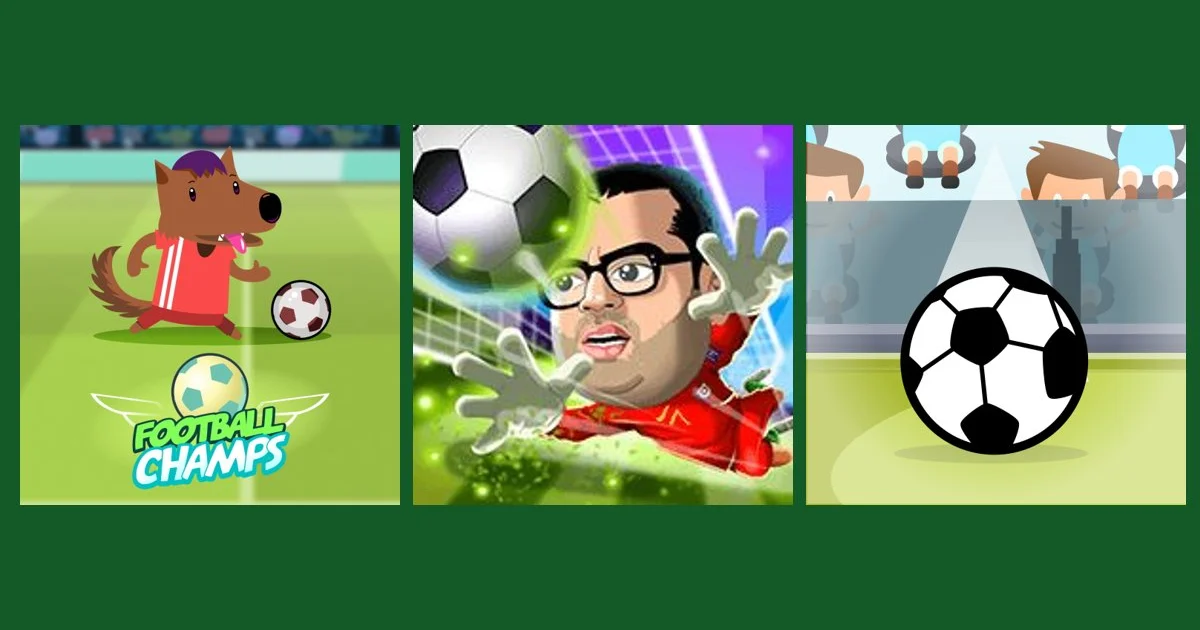
Quick answer: The best free football games for a phone browser on Gipcus are Football Champs (one tap, 30-second rounds), Football Stars (90-second matches), Football (drag and swipe, portrait), Golden Goal with Buddies (live penalty duels) and Gravity Soccer 3 (physics puzzle). All run in Chrome or Safari with no download.
By Ashish Sharma · Updated October 26, 2026 · How we tested: we checked each game’s touch controls, round length and screen orientation against its Gipcus game page and its GameDistribution or developer listing.
Want a quick football match on your phone without installing anything? Every game below runs in your mobile browser on Gipcus: tap a link, wait a few seconds, and kick off. No app store, no account, no download. For the full desktop and mobile list, see our best free football games online hub.
What are the best free football games for a phone browser?
These six games, plus one bonus, all play with touch controls in a mobile browser:
1. Football Champs: one-tap kicks
Football Champs is the most phone-friendly pick here. It is a one-button game: wait until the ball lines up with the crosshair, then tap to kick. You get a 30-second limit to score as many goals as you can, so it fits a bus stop or a queue. Precise kicks add bonus time; misses cost time. See our Football Champs tips.
2. Football Stars: 90-second matches
Football Stars gives you 1.5 minutes per match to outscore your opponent, with on-screen left and right keys to move, a head key for headers and a foot key to kick. Each goal is worth 10 points. Score 200 or more and you unlock superpowers. Read our Football Stars controls and superpowers guide to win more.
3. Football: classic short matches
Football is built for touch: drag your player to move and win the ball, then swipe toward goal to shoot. Its tall portrait layout fits a phone held upright. Our how to play Football guide covers the controls.
4. Golden Goal with Buddies: live penalty duels
Golden Goal with Buddies is a live multiplayer penalty game from MarketJS. You take penalty kicks against random opponents or your friends in real time, and the only control is a swipe upward to kick, which suits a phone screen. See our Golden Goal tips.
5. Gravity Soccer 3: a football physics puzzle
Gravity Soccer 3 is a puzzle rather than a match. Tap blocks to remove them so gravity carries the ball into the goal, and restart the level if it rolls the wrong way. Read our Gravity Soccer 3 tips.
6. Cristiano Ronaldo KicknRun: football runner
Cristiano Ronaldo KicknRun mixes running and kicking: dodge obstacles and keep the ball moving, steering with touch on a phone. Mistimed kicks cost momentum, and restarts are quick.
Bonus: Pinball World Cup
Pinball World Cup turns football into pinball: hit the paddles to score, and reach 10 goals to clear each level (guide).
How do you control each game on a phone?
Most need only a tap or a swipe; Football Stars is the only one with several on-screen buttons.
| Game | How you play on a phone | Round length |
|---|---|---|
| Football Champs | Tap to kick when the ball is on the crosshair | 30 seconds, plus bonus time |
| Football Stars | On-screen left and right keys to move, head key and foot key to hit the ball | 1.5 minutes |
| Football | Drag to move, swipe toward goal to shoot (portrait screen) | Short match |
| Golden Goal with Buddies | Swipe upward to kick | Live penalty duel |
| Gravity Soccer 3 | Tap blocks to remove them | One level at a time |
How do you start a football game on your phone?
- Open one of the game links above in Chrome, Safari or your usual mobile browser.
- Wait a few seconds for the game to load. Wi-Fi makes the first load quicker.
- Tap play, then hold your phone the way the game is laid out (Football, for example, uses a tall portrait screen).
- Use the touch controls from the table above. There is nothing to install and no account to make.
How do you get smoother football games in a mobile browser?
- Match the game’s orientation. Some games fill the screen best in landscape, while Football is built for a phone held upright.
- Close other tabs. Fewer open tabs means smoother play on older phones.
- Use Wi-Fi for the first load. After a game loads, short matches use very little data.
- Add Gipcus to your home screen. In your browser menu, choose the add to home screen option to open games like an app, still with no install.
- Short on time? Football Champs (30 seconds) and Football Stars (90 seconds) are the quickest rounds.
More football guides
- Quick football games online for a 2-minute break
- How to score more goals in online football games
- Football skill games online: how to play 3 free soccer games
- Monkey Post: the viral street football game
- Quick browser games for short breaks
- Best free football games online (hub)
Free phone football games FAQ
Can I play football games on my phone without downloading?
Yes. Every game on this list runs in your mobile browser on Gipcus, so there is nothing to install.
Are these football games free?
Yes, all of them are free to play on Gipcus.
Which football game is best for one-hand play?
Football Champs, because it only needs a single tap to kick.
Which football game can I play against a friend on my phone?
Golden Goal with Buddies. You take live penalty duels against friends or random players online.
Do I need a keyboard for any of these?
No. Football Champs, Football Stars, Football, Golden Goal with Buddies and Gravity Soccer 3 all play with touch on a phone.
How long is a Football Stars match?
1.5 minutes. Your goals carry over between matches, and a total of 200 points unlocks the superpowers.
Should I hold my phone upright or sideways?
It depends on the game. Football is a portrait game, so hold the phone upright. Football Stars is laid out for a wide screen, so turn the phone sideways.