Quick answer: Gravity Soccer 3 is a physics puzzle, not a match. Click or tap blocks to remove them so the ball drops and rolls into the goal. Plan the order first, open the path to the net, keep edge blocks until last, and restart with a new click order if the ball rolls off.
By Ashish Sharma · Updated October 27, 2026 · How we tested: we checked the controls and block types against the game page and the developer’s (QkyGames) description.
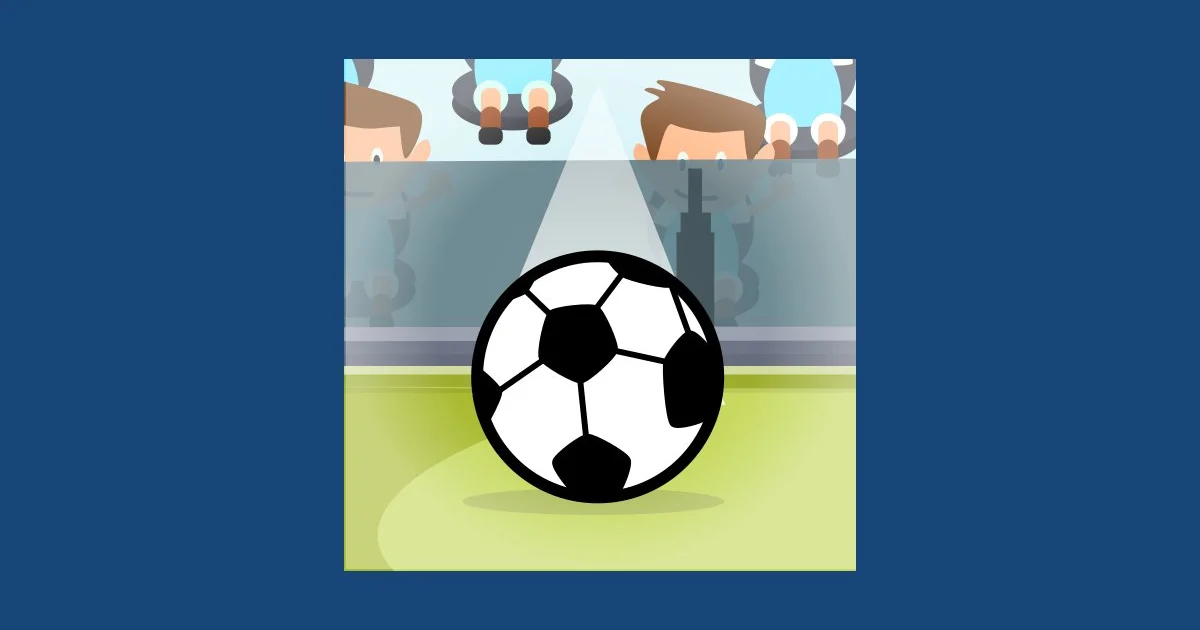
Gravity Soccer 3 looks like a football game, but it plays like a logic puzzle. There is no pitch, no opponent and no shooting button. Each level is a small stack of blocks with a ball sitting on top, and your job is to click blocks away in the right order so the ball drops, rolls and ends up in the net. It is free on Gipcus, needs no download, and works with a mouse on desktop or a tap on mobile.
Looking for football games with real matches? See our hub: Best Free Football Games Online (No Download).
How does Gravity Soccer 3 work?
- Goal: get the ball into the goal by removing the blocks underneath and around it.
- Controls: click (or tap) a block to remove it. That is the whole control scheme.
- Main risk: remove the wrong block and the ball can roll off the edge, so the level has to be restarted.
How do you play Gravity Soccer 3?
Every level starts the same way: the ball rests on a structure of blocks, and a goal waits somewhere below or to the side. When you click a block, it disappears and gravity takes over: whatever was resting on it falls, slides or tips over. The ball follows the same rules, so each click changes the route it will take.
That makes the game less about reflexes and more about order. The same set of blocks can send the ball straight into the net or bounce it off the side of the screen, depending only on which one you remove first. Think of it as a short chain reaction you are planning from the top down.
What are the steps to clear a level?
- Open Gravity Soccer 3 on Gipcus and pick a level from the level selector.
- Before you click anything, trace the path the ball needs to fall or roll to reach the goal.
- Click (or tap) a block to remove it. Whatever was resting on it, including the ball, moves with gravity.
- Keep removing blocks in the order that guides the ball toward the net.
- If the ball rolls the wrong way, restart the level and try a different order.
- Get the ball into the goal to earn stars and unlock the next level.
What are the Gravity Soccer 3 controls?
One input: click or tap a block to remove it.
| Action | Desktop | Phone or tablet |
|---|---|---|
| Remove a block | Click it | Tap it |
| Retry a level | Restart the level and change the order of removals | |
Not every piece behaves the same way. Levels mix block types such as wood, stone and steel, and some include bombs, so check what each piece is before you plan your first click.
How do you beat hard Gravity Soccer 3 levels?
Study the level first, clear the route to the goal, keep edge blocks last and slow down.
1. Study the level before the first click
Take a few seconds before you start. Trace the path from the ball to the goal with your eyes. Note which blocks are holding the ball up, which ones act as walls, and where the open edges are. Most failed attempts come from clicking the most obvious block straight away.
2. Open the path toward the goal first
Before you drop the ball, clear the blocks that would stop it from rolling the right way. If the ball falls while the route is still blocked, it can settle in a bad spot or get pushed the wrong way by the next block you remove.
3. Leave the edge blocks for last
Blocks near the outside of the stack often act as guard rails. Remove them too early and the ball has nothing to stop it from rolling off. Keep them in place until the ball is already heading toward the net.
4. Restart and change the order, not the idea
If the ball goes off the side, look at the exact click that caused it. Usually the plan was right and one block was removed a step too early. Restart, keep the same plan, and swap the order of the two clicks around the moment it went wrong.
5. Slow down on the later levels
Click, then watch the blocks settle before the next move. Stacking clicks quickly is the easiest way to set off a collapse you did not plan for. A calm pace is the main skill this game asks for.
Who is Gravity Soccer 3 for?
It suits players who want football flavour without fast reactions: a quiet puzzle for a work break, a short session on a phone, or a gentle game for younger players. If you enjoy planning moves in games like 2048 (see our 2048 tips), the same careful thinking pays off here.
What other football games can you play free?
- Golden Goal with Buddies: sudden-death football rounds (guide).
- Football Champs: one-button timing football (guide).
- Football Stars: arcade football with superpowers (guide).
- Pinball World Cup: pinball meets football (guide).
- Football: classic drag-and-swipe browser football (how to play).
Enjoy the puzzle side more than the football? Try 2048 (strategy guide), the tricky riddles in Brain Test, or Stick Merge (guide).
When you switch to a match-style game, read how to score goals in online football games for finishing tips.
Gravity Soccer 3 FAQ
How do you play Gravity Soccer 3?
Click or tap blocks to remove them in the right order so the ball drops, rolls and lands in the net. Remove the wrong block and the ball can roll off, so you restart the level.
Is Gravity Soccer 3 a real football match?
No. It is a physics-based block puzzle with a football theme. You never control a player; you remove blocks so the ball reaches the goal.
Is Gravity Soccer 3 free?
Yes. It is free to play in your browser on Gipcus with no download or sign-up.
What happens if the ball falls off?
The attempt is lost and you restart the level. Try the same plan with a different click order.
How do you unlock new levels?
Get the ball into the goal to clear a level and earn stars, then move on through the level selector.
Are all the blocks the same?
No. Levels mix block types such as wood, stone and steel, plus bombs, so pieces don’t all behave the same way.
Does it work on mobile?
Yes. Because it only needs clicks, tapping blocks on a phone or tablet works the same way.
How do you get all the stars?
Solve the level once just to reach the net, then replay it and plan a route that also passes the stars.